
Ask Mosaiq is a conversational chat feature inside Mosaiq Insights. It lets you ask questions about your network's performance in plain language and get answers drawn directly from your own data, no dashboard digging required.
Instead of navigating to a specific report to find an answer, you can simply ask, and get a clear, direct response.
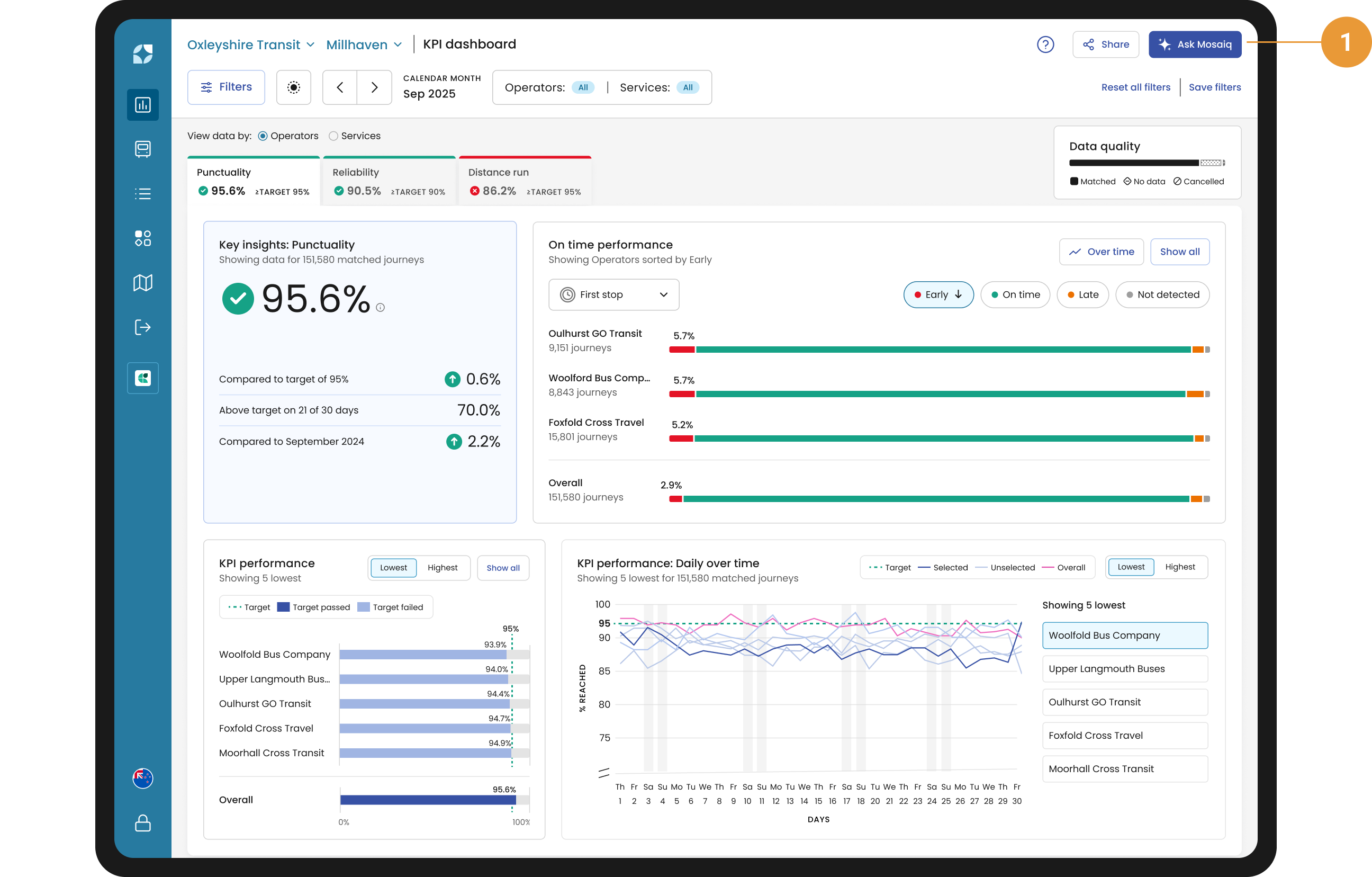
Ask Mosaiq is available from any page and can be found in the top right-hand corner of the screen (1). Click the Ask Mosaiq button to get started.
Using Ask Mosaiq
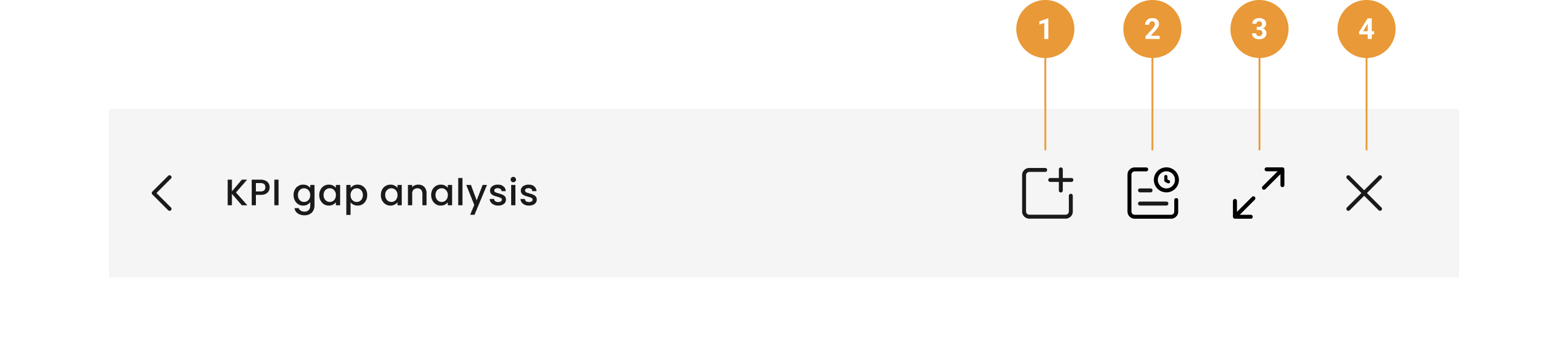
Navigating within Ask Mosaiq is easy. Everything you need is in the header:
-
New Chat – start a new chat (1). When changing topics, it’s best to start a new conversation rather than asking a bunch of different things in one chat.
-
Chat History – view other chats you've had (2). These don't disappear unless you delete them.
-
Expand – expand the chat window so you have more space to work (3).
-
Close – close Ask Mosaiq and go back to Mosaiq Insights (4).
-
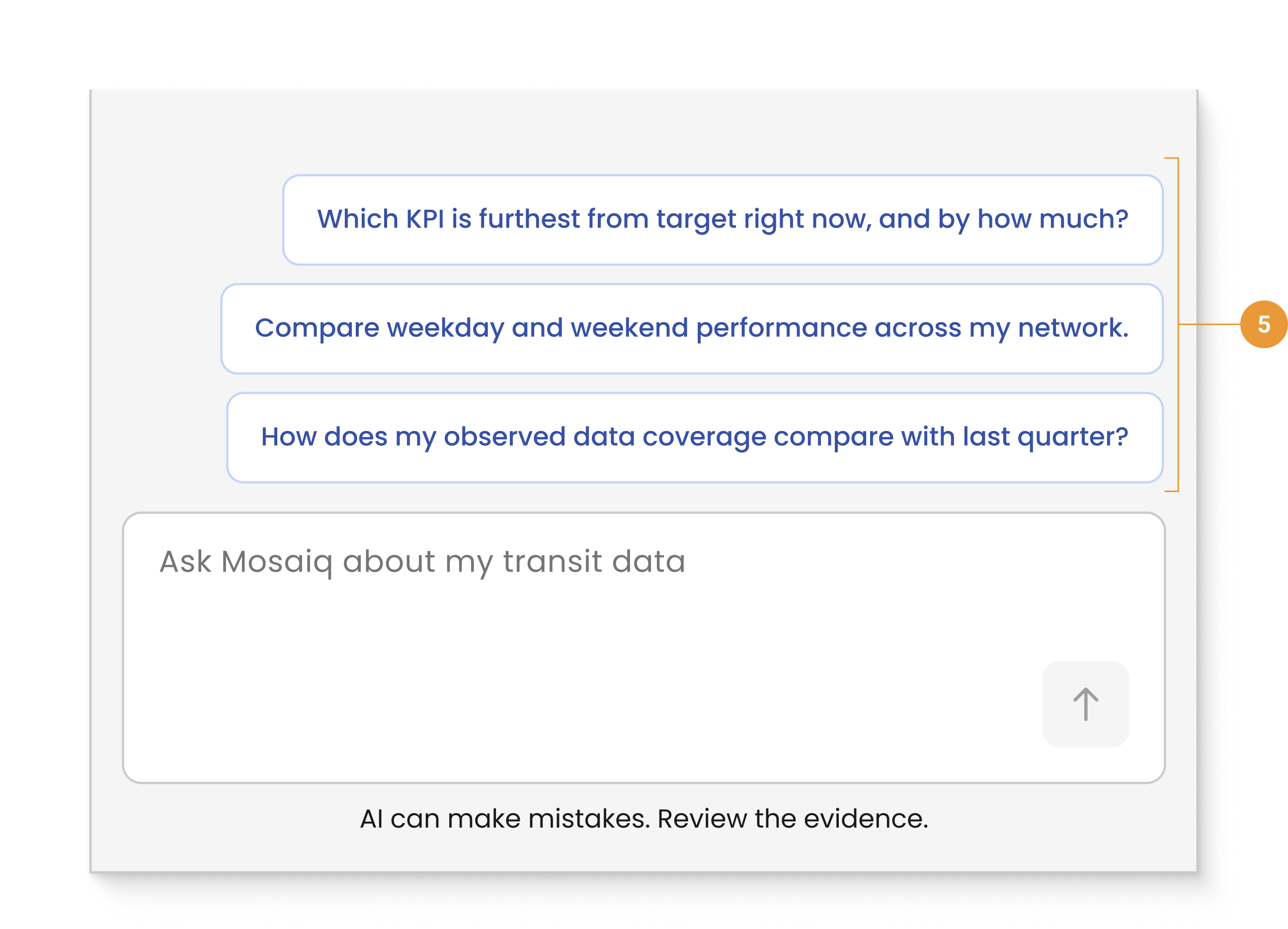
To help you get started we have provided some default prompts when you first open Ask Mosaiq (5). These example prompts vary depending on what screen you’re viewing.
-
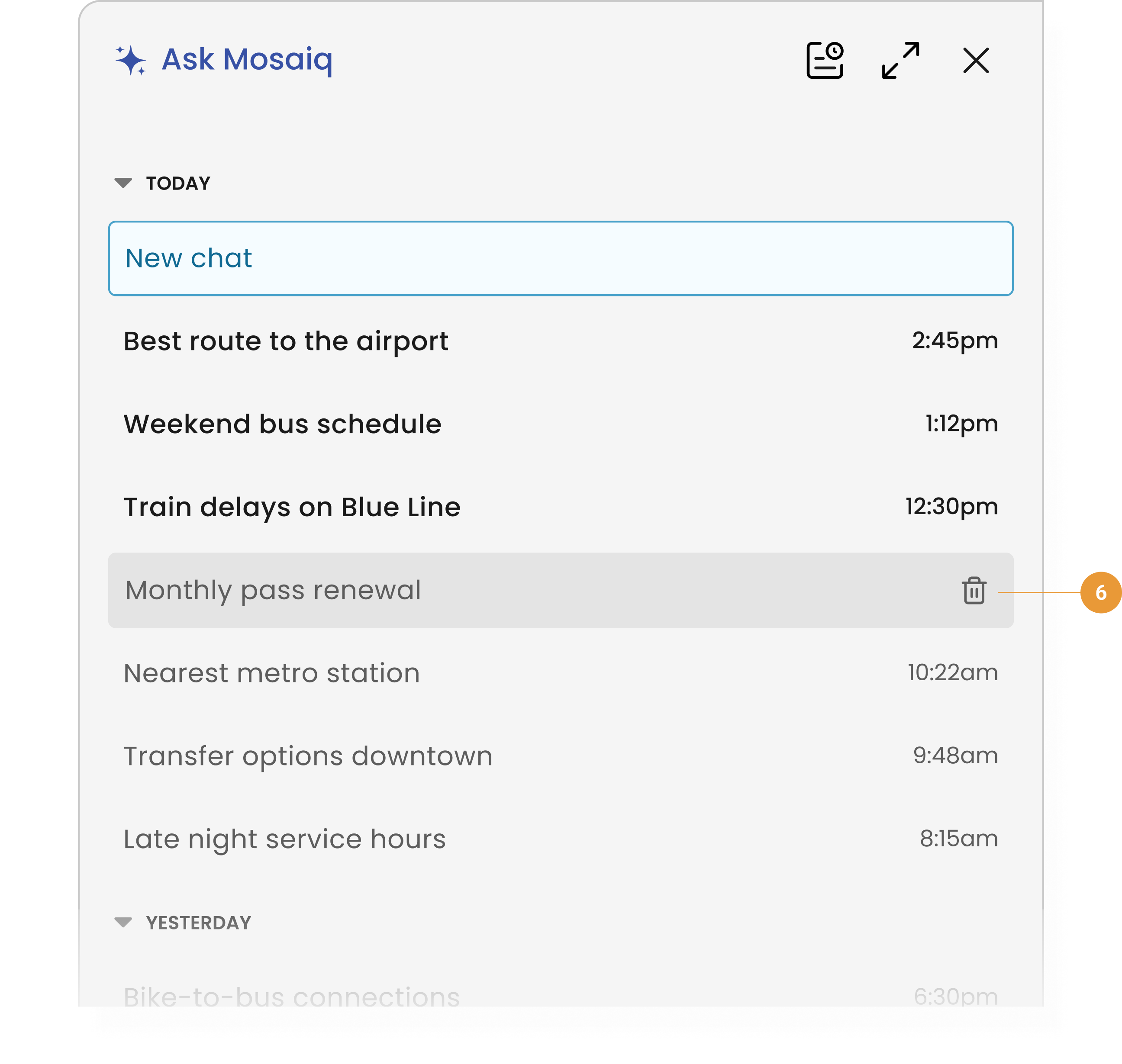
From the Chat History screen you can delete a chat by hovering over it and clicking the trashcan icon (6).
What you can ask
Ask Mosaiq is built to help you understand what's happening on your network and why.
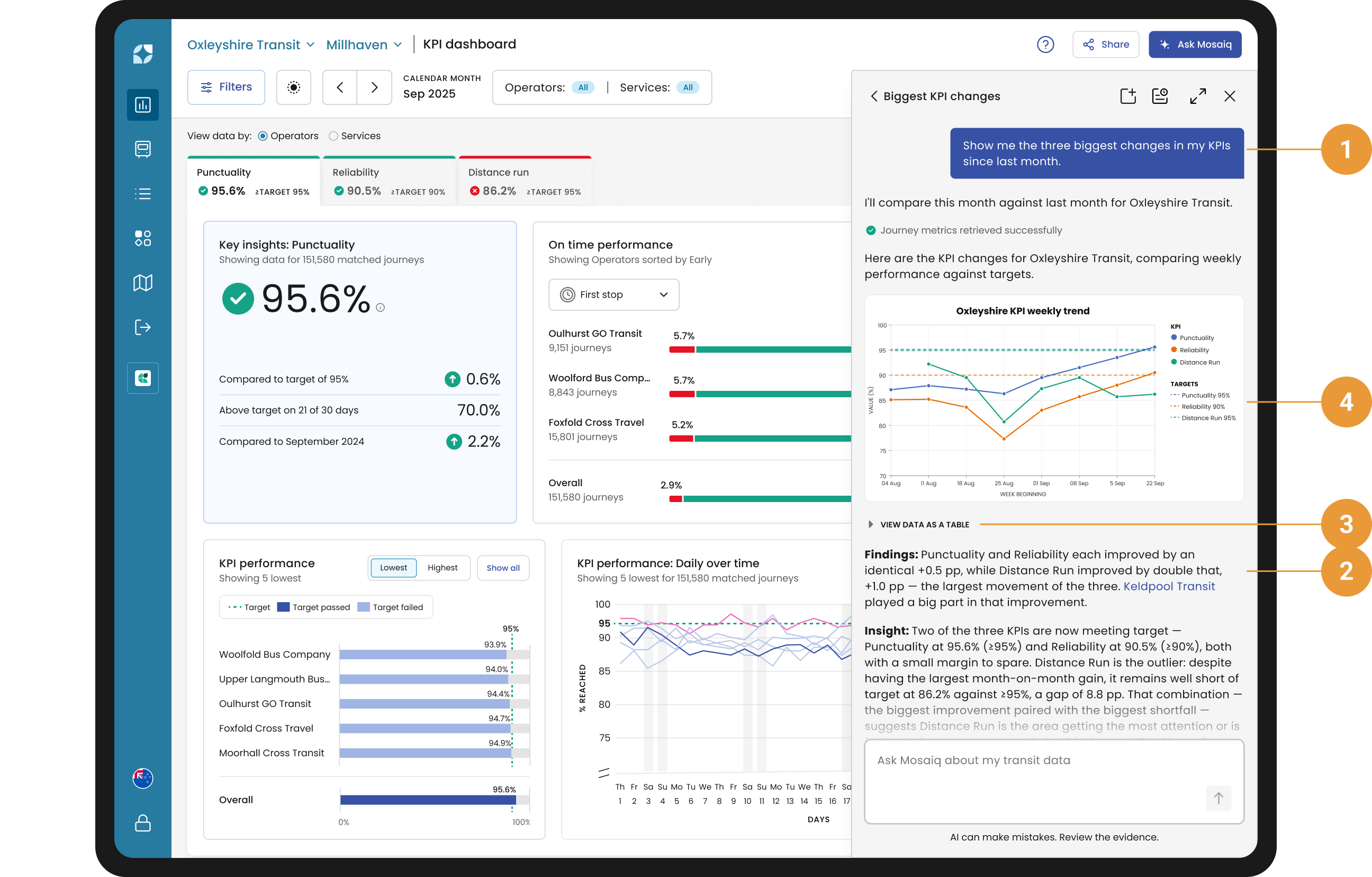
It can answer questions (1) about performance across your entire network. Ask Mosaiq will provide you with:
-
A summary of the findings (2)
-
Any supporting tables (3) and/or charts (4).
Key example prompts are below:
Network and KPI performance
-
Get headline Key Performance Indicators (KPIs) such as punctuality and reliability, benchmarked on a like-for-like basis. Ask Mosaiq "How is Oxleyshire Bus Company performing?".
-
Get a breakdown by agency or route, with trends and outliers surfaced automatically, without having to build the comparison yourself.
Route, stop and segment deep-dives
-
Get KPIs and running times for a single route. Ask Mosaiq "Analyse route 7" or "Analyse the Airport Express".
-
Pinpoint the exact stops and segments causing delay, instead of working it out from raw data. Ask Mosaiq "Where on route 7 are buses falling behind?".
Running-time optimisation
-
Find the route variants with the most potential running-time savings, ranked so you know where to focus first.
-
Get per-departure recommendations, comparing your current trip duration against the recommended one, along with the expected gain in on-time performance if you make the change.
Peak Vehicle Requirement (PVR)
-
Compare scheduled versus observed peak vehicle counts at network or route level, to check your fleet headroom and spot over- or under-provisioning.
Ask Mosaiq is constantly evolving. For a refresher on what the tool is capable of, just ask it “What can you do?” for a full rundown. Also, check our FAQ for frequently asked questions about Ask Mosaiq.